You can't hand over just the relevant part: why old data is the exposure
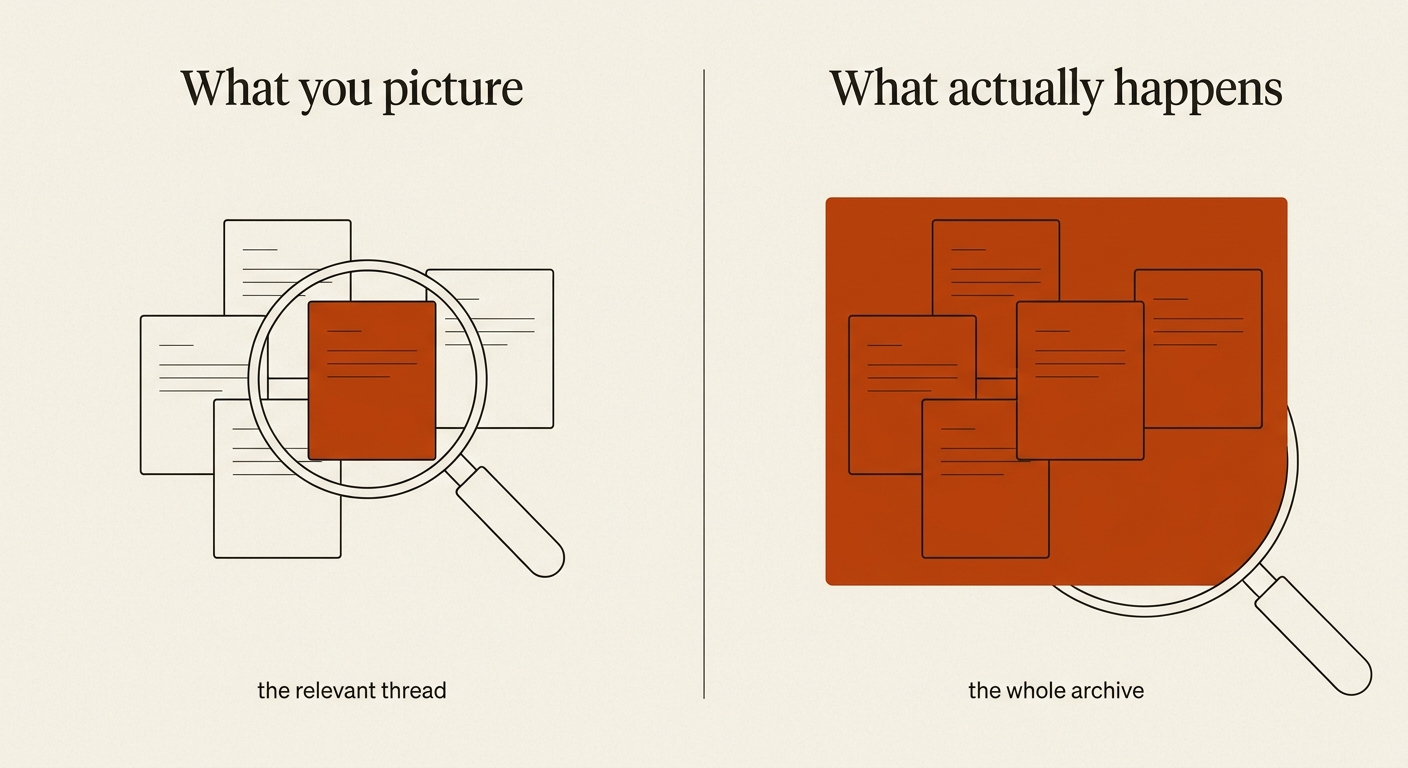
When an inbox or device is scrutinized, you rarely get to choose which parts are relevant. The only way to limit the scope of a future exposure is to reduce the volume of data you keep today.
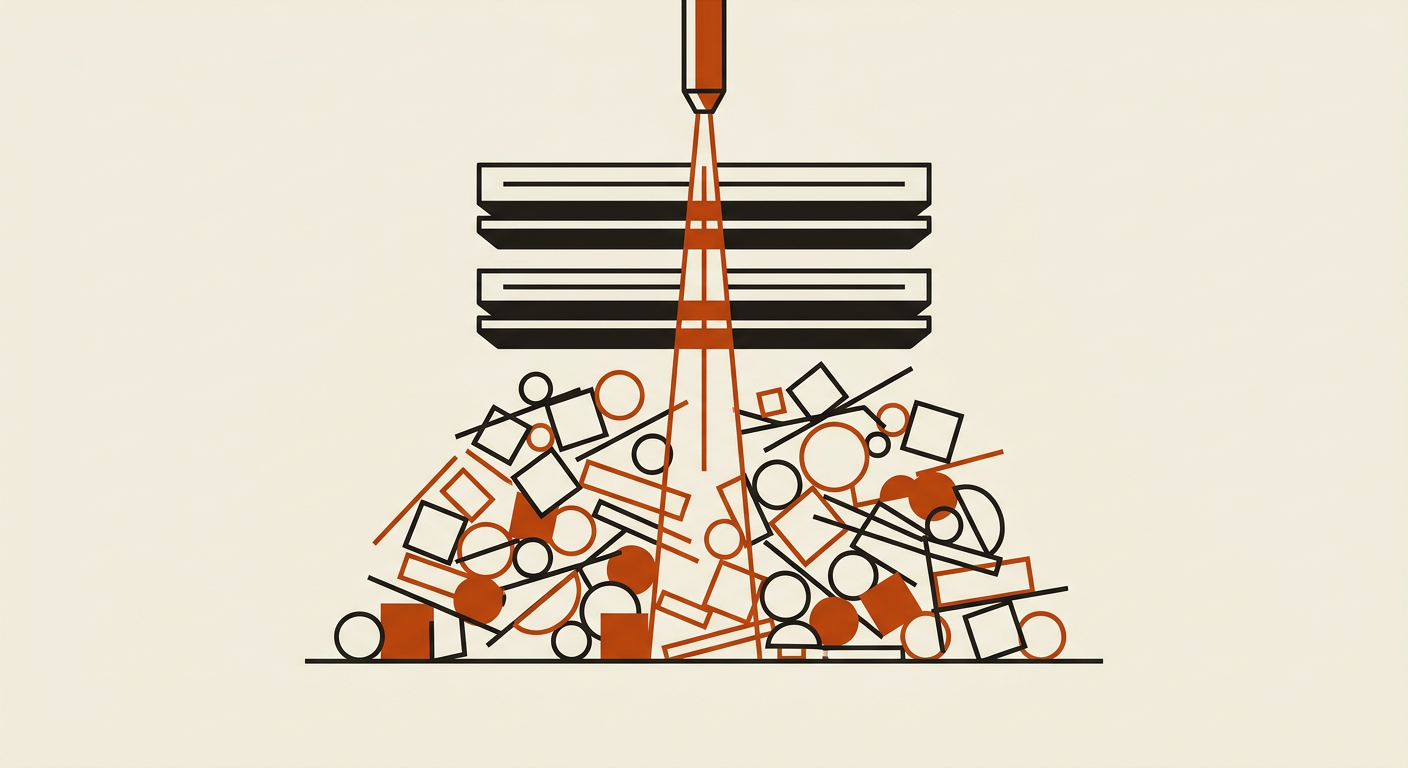
In July 2026, investigators looking into a leaked security assessment at the White House asked officials to hand over their cell phones on the spot. Not everyone complied, and at least one federal agency emailed its employees telling them that if another agency came asking for information or devices, they should contact their own agency’s attorneys first. This scenario illustrates a fundamental mechanic of digital life: when a device or an account becomes the subject of scrutiny, the request is rarely limited to a single relevant thread.
An inbox or a smartphone is not a categorized filing cabinet; it is an undifferentiated archive. Once a situation arises where that archive must be examined—whether by an investigator, a forensic specialist after a theft, or a malicious actor who has gained unauthorized access—the boundary between what is relevant and what is private disappears. You cannot easily scope a review after the fact.
Your archive is larger than your memory
Most people do not consciously decide to build a permanent record of their lives. Instead, the record builds itself through a decade of accretion. We tend to think of our email as a list of recent conversations, but for many, it is a repository of every digital transaction and interaction since the mid-2000s.
This gap between what we think is in our inbox and what is actually there is where the risk lives. We remember the email we sent yesterday, but we forget the scan of a passport sent to a travel agent in 2017, or the plaintext password for a legacy utility account from 2014. These artifacts sit silently in the background, serving no utility but remaining perfectly preserved for anyone with access to the account.
Much of what makes an old inbox sensitive is precisely the material you have no further use for: the tax return from a closed year, the medical record from a resolved episode, the credential reset for an account you no longer own. These are not active documents; they are digital fossils. Age does not defuse them. In a breach, a fossilized Social Security number is just as actionable for an identity thief as a current one.
Scrutiny events are all-or-nothing
While high-profile investigations make the news, the average person faces “scrutiny events” that are far more mundane but equally invasive. These events rarely allow for a surgical extraction of data. If your laptop is stolen, the thief has access to the entire disk. If a service provider suffers a breach, the leaked database often contains the entirety of your stored messages, not just the ones from this year.
Consider the process of discovery in a civil lawsuit or a divorce. When a court orders the production of digital records, the process often involves handing over entire archives to third-party forensic firms. Even if the firm is only looking for specific keywords, they are technically in possession of everything: your private health discussions, your financial history, and your personal photographs.
Account compromise works the same way. When a malicious actor gains access to an OAuth token or a password, they do not stop at the most recent message. They use automated tools to scrape the entire history for high-value targets like “password,” “account,” or “SSN.” The only lever you control in these situations is the volume of data available to be found. That lever only works if you pull it before the scrutiny begins.
Prioritizing what to clear
Effective data reduction is not about deleting every memory; it is about removing the high-risk artifacts that have outlived their usefulness. We suggest focusing on three specific categories of data that frequently appear in Haven’s Tier 1 and Tier 2 scans.
Identity documents and credentials. The highest priority should be given to scans of passports, driver’s licenses, and Social Security cards. The ones that matter are as likely to sit in your “Sent” folder as your inbox — attached years ago to a message with a subject like “For the lease” or “ID copy,” and never thought about since. Following these are plaintext passwords and multi-factor authentication (MFA) recovery codes. If you see a finding for a value like ████-████-████, it is likely a backup key that should be moved to a dedicated password manager and deleted from your mail.
Financial artifacts. This includes old tax returns, mortgage applications, and bank statements. While you may need to keep these for several years for legal reasons, your primary email account is the least secure place to store them. Moving these to an encrypted, offline backup reduces your “live” attack surface significantly.
Aged shares and permissions. We often find that users have active sharing links for cloud folders containing sensitive data that were created years ago and forgotten. These publicly accessible links effectively turn a private document into a public one if the URL is ever leaked or discovered in an old message. Periodically revoking these permissions is a critical step in shrinking your digital footprint.
How Haven identifies the needles
To help find these artifacts without creating new privacy risks, Haven uses a multi-tiered inference design. Tier 1 and Tier 2 run locally on your device to identify deterministic patterns and classify messages. For the small fraction of messages—roughly 0.8% in our measurements—where a confident verdict cannot be reached, Tier 3 acts as a tiebreaker.
Depending on your hardware, Tier 3 runs on Haven’s own infrastructure. We operate this infrastructure end-to-end using open-weights models on hardware we control; no third-party AI services process your content. When the cloud route is used, we send a bounded excerpt of no more than 2 KB. This excerpt is used for a single round-trip to get a verdict and is discarded immediately afterward. You can verify every one of these calls in the Network Activity log within the app.
When you choose to delete a finding through Haven, the action is signaled to your provider, but we maintain a 30-day undo window. This ensures that if you accidentally remove a record you still need, it can be recovered before the deletion becomes permanent at the provider level.
The limits of deletion
It is important to be realistic about what deleting old data can and cannot do. Deleting a message from your inbox removes your copy of that data. It does not delete the copy residing on the recipient’s mail server, nor does it remove the data from the service provider’s internal backups or logs. If a disclosure has already occurred—such as a data breach that happened last year—deleting the data today will not undo that event.
However, the goal of data hygiene is to mitigate future risk. By reducing the volume of sensitive material in your live accounts, you ensure that the next time your digital life is under scrutiny—whether by a thief, a provider breach, or a legal process—there is simply less for them to find.
What remains true afterward is that your archive becomes a reflection of your current life rather than a liability from your past. You cannot predict when you might be asked to “hand over the phone,” but you can decide exactly what will be on it when that day comes.